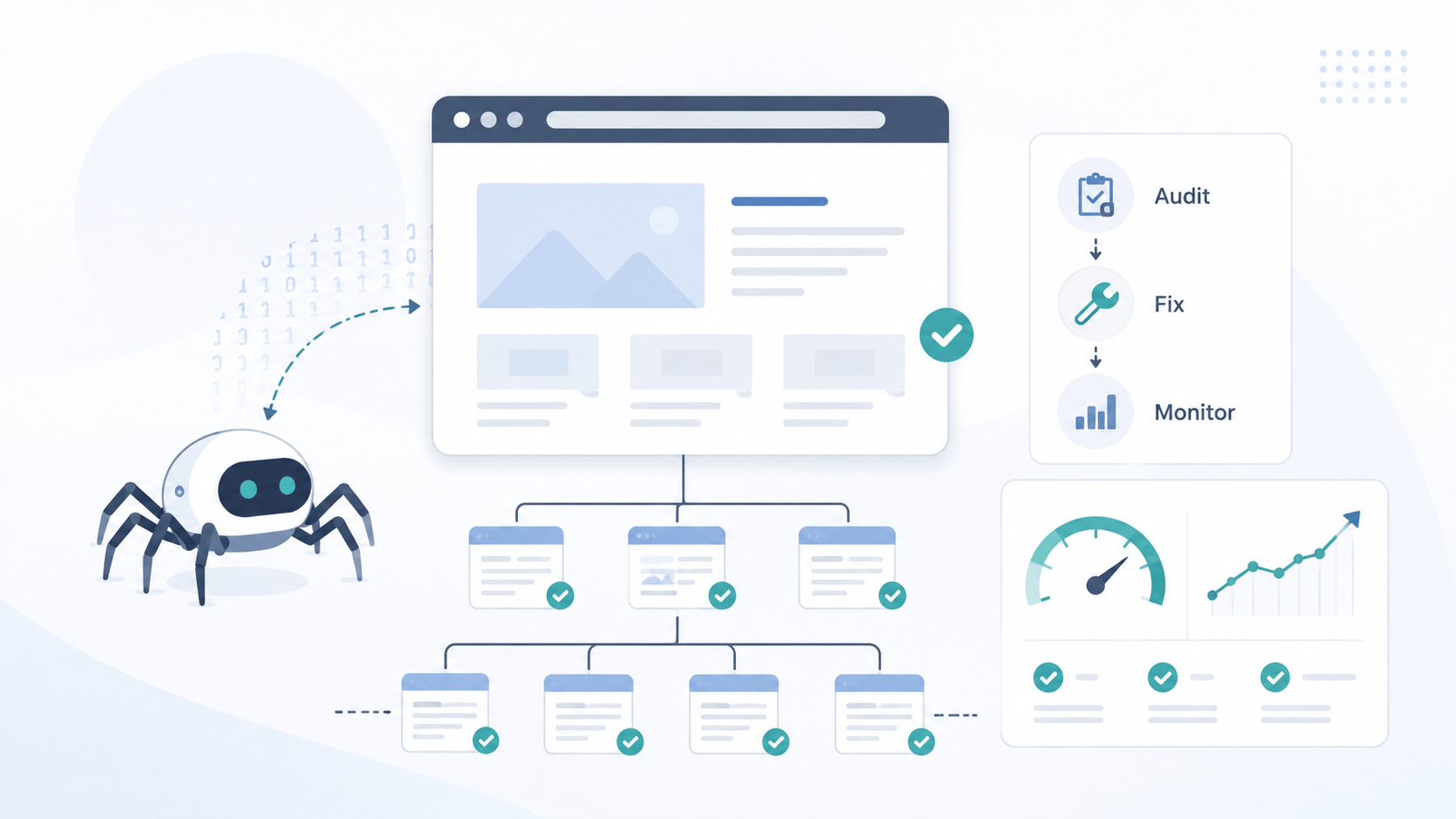
Crawl rate affects how quickly search engines discover and re‑index your pages. Improving crawl efficiency means prioritising the right pages, reducing wasted bot activity on low‑value URLs, and fixing server or configuration issues that slow or block crawlers. This guide helps you decide which diagnostics to run, the quick fixes you can apply today, and the prioritized technical and content changes that free up crawl capacity. Expect iterative results: diagnose first, apply high‑impact fixes, then monitor.
Quick wins to increase crawl activity
- Restore reliable server responses, fix 5xx errors and frequent timeouts, crawlers back off when servers are unreliable. Effort: low to medium.
- Ensure critical resources are not blocked by robots.txt, particularly CSS and JavaScript needed to render pages, blocked assets can prevent proper indexing. Effort: low.
- Submit an up‑to‑date XML sitemap that lists canonical URLs only, helps crawlers find the right pages faster. Effort: low.
- Fix broken internal links and remove long redirect chains, reduces unnecessary fetches and speeds discovery. Effort: low to medium.
- Improve page load speed for key pages, especially those with high business value, faster pages cost bots less time so more pages are crawled. Effort: medium to high.
When to prioritise each win
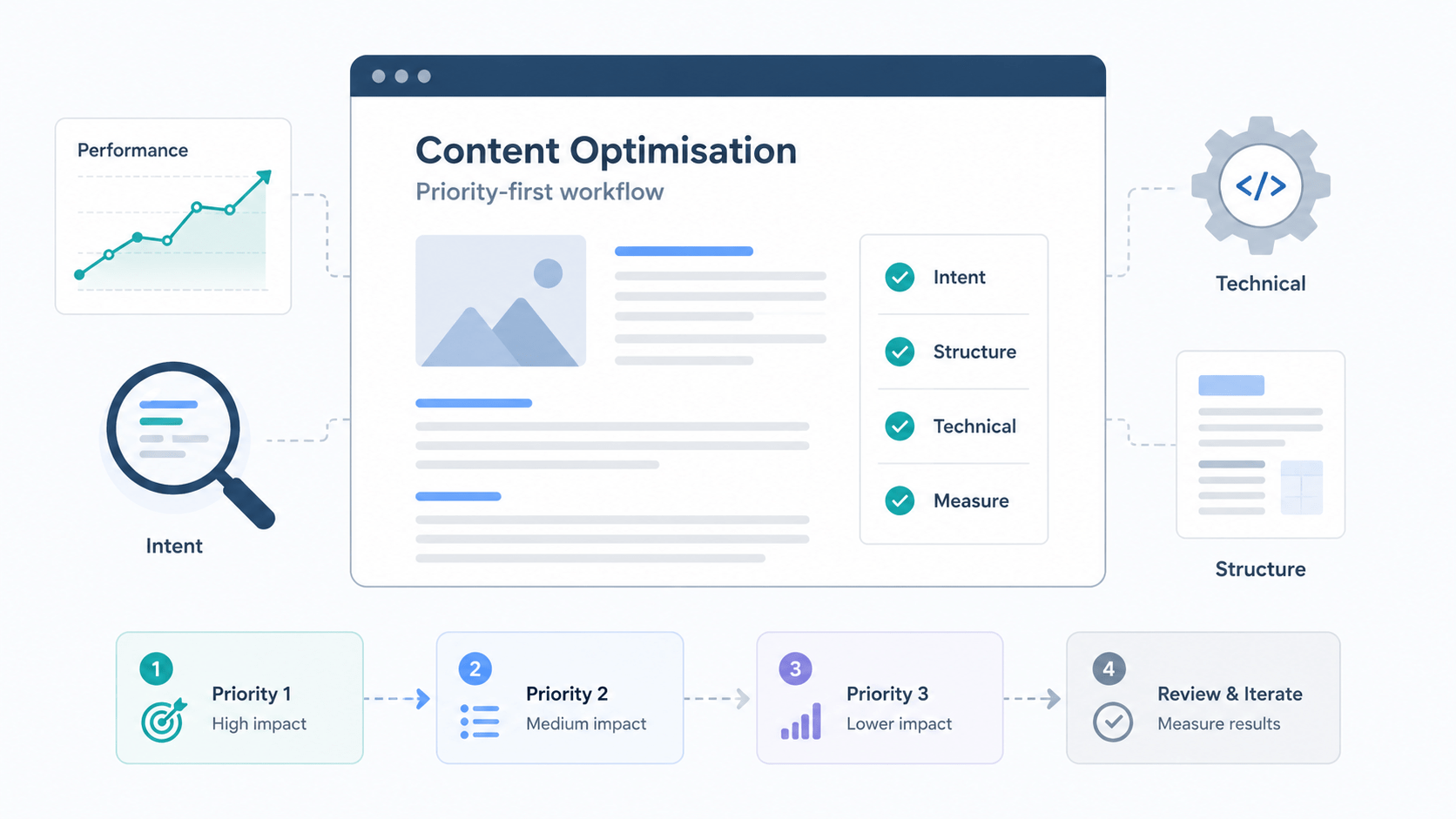
If your server is flaky or slow, fix reliability first. A healthy server prevents immediate crawl throttling. Next, align robots.txt and submit a clean sitemap so crawlers know what to request. Then tackle content and linking problems: broken links, redirect chains and slow pages should follow because they remove repeated waste. Use impact and effort: small fixes affecting high‑traffic or high‑value pages yield the best return.
How to check how Googlebot actually crawls your site
- Use Google Search Console. Open Crawl Stats to see crawl requests per day, average response time, and response code distribution. Use URL Inspection to check last crawl time for a URL and any render issues.
- Examine server logs. Collect a week of logs and parse lines for requests with Googlebot user agents and verified bot IPs. Extract URL, timestamp, response code, bytes transferred and response time.
- Identify high‑cost endpoints. From logs and real user metrics, list pages with long server render times, large payloads or heavy client renders that force repeated bot rendering. Also flag parameterised URLs that expand into many variants.
- Compare last‑modified or sitemap timestamps to next crawl timestamps. If updated pages are re‑fetched days or weeks later, note the lag and whether that lag varies by page type or section.
What to look for in Search Console
Focus on three metrics: crawl requests per day to see overall volume, average response time as a proxy for server cost, and response code breakdown to find 5xx spikes. Red flags include a sudden drop in requests with rising response times, repeated 5xx errors, or many long‑tail URLs being crawled instead of priority pages.
How to read server logs quickly
Filter for known Googlebot user agents and verify IPs if possible. Count requests per URL to see which pages consume most bot time. Spot frequent 4xx/5xx responses and long‑latency hits by grouping requests by response time buckets. Use sampling or tools like AWStats, GoAccess, or simple scripts to visualise top culprits.
Technical changes that free up crawl budget
- Reduce server‑side errors and improve uptime and reliability, use monitoring, rollback plans and capacity scaling. Implementation note: add alerts and a maintenance page for planned downtime.
- Eliminate redirect chains and excessive redirects, map referral chains and fix triggers. Implementation note: single 301 preferred for permanent moves, avoid chains longer than one hop.
- Consolidate duplicate or near‑duplicate pages with rel=canonical or content merges, reduce duplicate URLs that split crawl allocation. Implementation note: prefer server redirects for content moves, canonical for logical duplicates.
- Correct robots.txt and ensure it does not block assets needed to render pages, test in Search Console’s robots tester. Implementation note: log before and after changes.
- Use URL parameter handling and canonicalisation to prevent crawling infinite or low‑value variants, set parameter rules in Search Console and use consistent canonical tags. Implementation note: treat session IDs or sort parameters as crawler noise.
- Ensure sitemaps only list accessible, canonical URLs and keep them updated, remove soft 404s and blocked URLs from sitemaps.
Redirects and duplicates
Map redirects from entry points and eliminate chains by updating internal links and referrers to the final URL. Use a 301 for permanent moves and a 302 when the change is temporary, but be aware search engines may treat 302s as 301s over time. Canonical tags are suitable for near‑duplicates where content must remain accessible under multiple URLs, but they do not stop crawling; use them alongside other controls if you need to reduce fetches.
Robots, sitemaps and parameters
Make robots.txt, sitemap entries and parameter handling consistent. Checklist: do not disallow assets required for rendering, list only canonical pages in sitemaps, and configure parameter treatment in Search Console or via rel=”canonical” so bots do not follow combinatorial URL spaces. Re‑test after changes and monitor crawl stats for shifts.
Content and site architecture changes that encourage efficient crawling
Do:
- Use clear internal linking to surface priority pages from the homepage and category pages.
- Consolidate thin or near‑duplicate content into stronger pages.
- Implement sensible pagination and faceted navigation rules to prevent index bloat.
- Signal content changes with updated sitemaps or last‑modified headers.
Don’t:
- Leave orphan pages without links, which still get crawled via external links or sitemaps.
- Allow unchecked query parameter combinations to generate unique indexable URLs.
- Treat every minor variation as unique content.
Examples: merge multiple short product descriptions into one robust page, replace endless filter combinations with parameter handling or noindex where appropriate, and add hub pages that link to related deep content so bots follow priority paths.
Internal linking best practices
Use shallow click depth for high‑value pages, link from category hubs and relevant contextual pages, and avoid equalising link weight to every page. Where possible, add sitemaps and indexable category pages that act as signposts. Prioritise links that reflect business value and update internal linking when content or product hierarchies change.
Handling faceted and paginated listings
For faceted navigation consider blocking low‑value filter combinations via parameter rules or using noindex on filtered views. For pagination use rel=”next”/”prev” where helpful, canonicalise paginated series to a logical entry when appropriate, or provide clear hub pages. Trade‑offs: blocking filters reduces crawl waste but may hide some discoverability; canonicalisation preserves discovery while limiting duplicate indexing.
Measure impact and keep crawl efficiency high over time
Monitoring checklist
- Define KPIs: crawl requests to high‑value pages, time from page update to next crawl, and crawl error rates.
- Set automated alerts from Search Console for spikes in 5xxs or drops in crawl requests.
- Automate periodic server log parsing to detect pages with disproportionate bot traffic.
- Recheck robots.txt and sitemaps after deploys and CMS changes.
Priority matrix for fixes
- High impact, low effort: fix 5xxs, clean sitemap entries, correct robots.txt blocks.
- High impact, medium effort: remove redirect chains, fix broken internal links.
- Medium impact, medium to high effort: consolidate duplicate content and resolve parameter explosion. Prioritise by traffic and crawl cost: start with pages that receive substantial user traffic or produce high bot load.
KPIs to track
Track not only total crawl volume but where crawls land. Useful signals: number of crawl requests to priority pages, median lag between content update and next fetch, percentage of successful (2xx) responses during crawl, and proportion of crawl requests that hit low‑value URLs. Improvements look like higher proportion of crawls hitting priority URLs, reduced re‑crawl lag, and fewer 5xx events.
Audit cadence and responsibilities
For mission‑critical or large sites run a monthly crawl‑efficiency audit. Smaller sites can audit quarterly. Ownership should be split: technical fixes under the dev or infrastructure team, content and architecture changes handled by content owners or SEO, and a central SEO owner to run reports and approvals.
If you want a practical next step, run a focused crawl‑efficiency audit using the checklists above. Export one week of Google Search Console crawl stats and server logs, identify the top 10 pages by bot time and the top 10 error sources, then prioritise the top three fixes by impact. If you prefer expert help, STIRNGERSEO can perform a bespoke audit, produce a prioritized remediation plan and check results after implementation.
How to increase crawl budget in SEO?
Increasing crawl budget in practice is about improving crawl efficiency and prioritising the pages that matter. Start by ensuring your site responds reliably and quickly so crawlers do not back off. Remove wasteful targets like duplicate pages, long redirect chains and parameterised URL variants, and make sure your sitemap and robots.txt are accurate and aligned.
Then signal priorities: surface important pages with internal links and ensure sitemaps list canonical URLs. Monitor via Google Search Console and server logs to confirm more frequent crawls of priority pages, reduce re‑crawl lag after updates, and set alerts to catch regressions. For large sites, focus on server reliability and reducing low‑value crawl targets first, then optimise architecture and content.