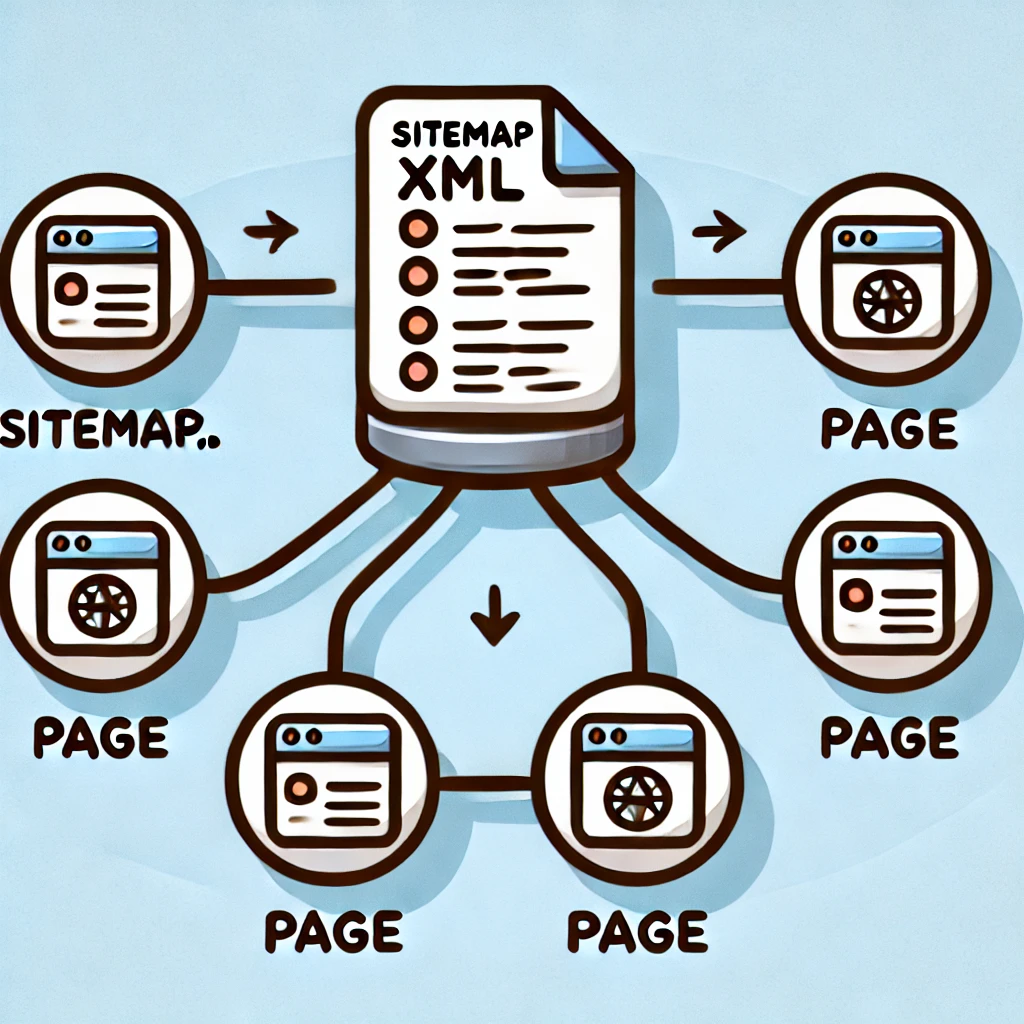
XML sitemaps play an important role in SEO. They help search engines discover and index different pages from your website.
This is especially useful for blog posts, and including links to images from XML sitemaps can help improve their visibility in Google Image Search.
This article shows you a way to modify a custom WordPress XML sitemap plugin to include links to images from blog posts.
Why Include Images in Your Sitemap?
Adding links to your images from your XML sitemap provides several benefits, two of them are:
- Search engines can find and understand your images more effectively.
- Image search results can drive additional traffic to your website.
How to Modify the Custom XML Sitemap Plugin
In our example, we have a WordPress plugin that generates a custom XML sitemap for posts. We want to extend it so that it includes images found within post content.
Step 1: Extract Image URLs from Post Content
To retrieve images from post content, we use a function that scans the post HTML and extracts <img> tag src attributes.
function extract_images_from_content($post_id) {
    $content = get_post_field('post_content', $post_id);
    preg_match_all('/<img[^>]+src=["\']([^"\']+)["\']/i', $content, $matches);
    return array_unique($matches[1]);
}
This function scans the post content and returns an array of unique image URLs.
Step 2: Modify the Sitemap Generation Function
We then modify the function that generates custom-post-sitemap.xml to include <image:image> tags.
function generate_custom_post_sitemap() {
    global $wpdb;
    header('Content-Type: application/xml; charset=utf-8');
    echo '<?xml version="1.0" encoding="UTF-8"?>';
    echo '<urlset xmlns="http://www.sitemaps.org/schemas/sitemap/0.9" xmlns:image="http://www.google.com/schemas/sitemap-image/1.1">';

    $site_url = get_site_url();
    $posts = $wpdb->get_results("SELECT ID, post_modified_gmt FROM {$wpdb->posts} WHERE post_status = 'publish' AND post_type = 'post'");

    foreach ($posts as $post) {
        $url = get_permalink($post->ID);
        $lastmod = gmdate('Y-m-d\TH:i:s+00:00', strtotime($post->post_modified_gmt));
        echo "<url><loc>$url</loc><lastmod>$lastmod</lastmod>";

        $images = extract_images_from_content($post->ID);
        foreach ($images as $image) {
            echo "<image:image><image:loc>$image</image:loc></image:image>";
        }
        echo "</url>";
    }

    echo '</urlset>';
    exit;
}
This function loops through all published posts, extracts images, and appends them to the sitemap using the <image:image> tag.
Step 3: Hook into WordPress
Finally, we modify our WordPress plugin’s init action to ensure the sitemap includes images when requested.
add_action('init', function () {
    if (isset($_SERVER['REQUEST_URI']) && strpos($_SERVER['REQUEST_URI'], '/custom-post-sitemap.xml') === 0) {
        generate_custom_post_sitemap();
        exit;
    }
});
This ensures that when /custom-post-sitemap.xml is accessed, the modified sitemap with images is generated.
By adding links to image URLs to your custom XML sitemap, you can get your images indexed in Google Image Search. Implementing this in WordPress using a custom plugin ensures that every image that are used in blog posts can be discovered and indexed by search engines.